# Profile Picture
I made a couple profile pictures with the same process, and I want to document it here and maybe automate it.
The intended goal is for an image to be recognizable, but also abstract enough. In my case I do it by clustering the pixels of similar colors together and then swapping the palette. I really like the "Posterize" effect many applications have, but it's limited to specific colors.
The main tool I used was Simple Linear Iterative Clustering from GIMP's artistic filters. It's also available in Krita as part of G'MIC - https://gmic.eu/reference/slic.html
The effect is similar to what can be done with G'MIC's "Posterize" but not with regular "Posterize", which doesn't pick colors well - when you try to have as few colors as possible, it just picks FFFFFF white, FFFF00 yellow and so on.
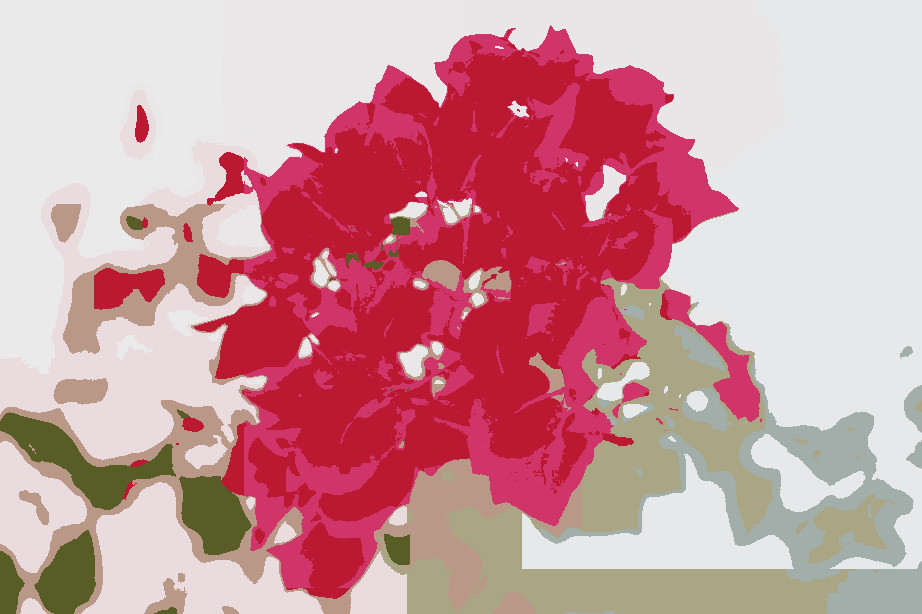
The problem of SLIC is that it may create straight lines on the borders of clusters. The problem of smart posterization is that it's too global, so it may place two different regions in the same "color bucket", but it doesn't make sense for them to have the same color artistically.
Example:
Original:
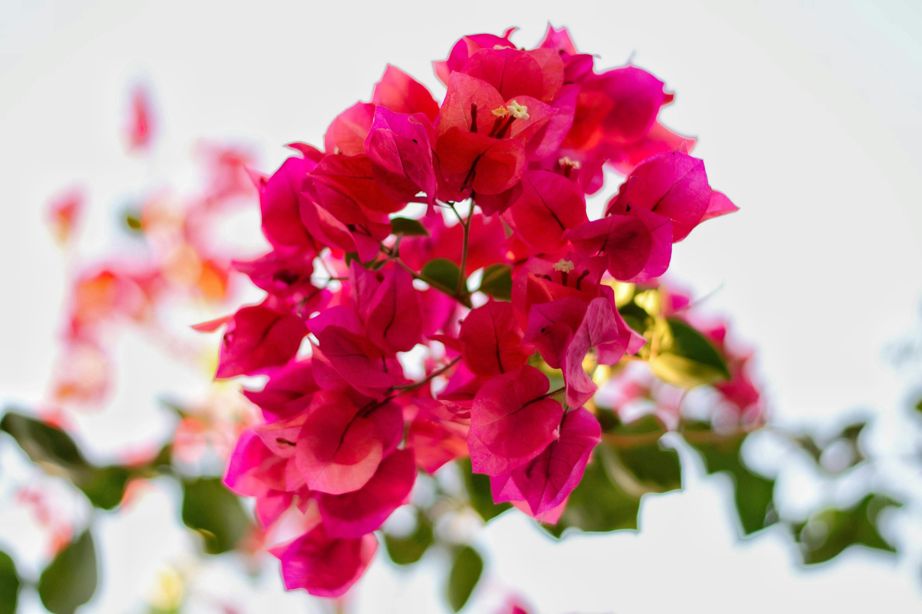
In this case the method doesn't work well, so I had to leave too many colors after SLIC. You can also clearly see the straight lines on the borders of clusters.